How often have you heard someone say, "If you're not doing anything illegal, then you have nothing to hide?" When asked this, I tend to respond with, "OK, then how about you give me the login credentials for all of your email accounts, including the ones you use for personal use?"
Recent Posts
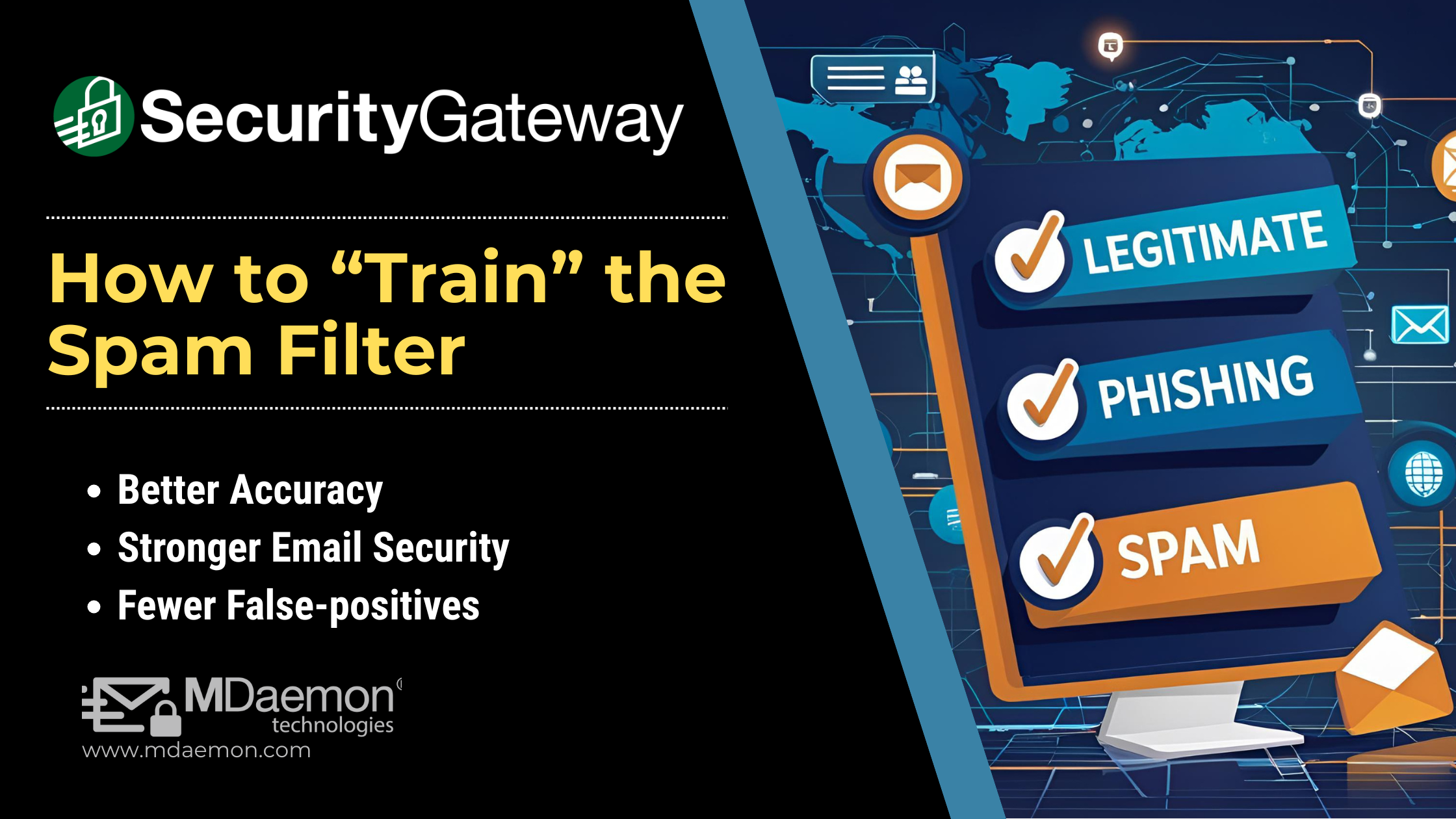
SecurityGateway's Bayesian Classification feature helps train the spam filter to be more accurate over time by feeding it samples of spam and non-spam messages. Today, I’ll explain how to use these features to teach SecurityGateway how to get better at recognizing spam (false negatives – spam messages that were not filtered out) and non-spam (false positives – legitimate messages that were marked as spam).

Introduction
You may have heard the terms SSL and TLS, but do you know what they are and how they’re different?

Ever wonder why so much spam exists today? Though spam volumes have decreased from a high of over 90% of global email traffic, it still makes up roughly a third of that traffic, and though the numbers of junk email messages are decreasing, their malware and ransomware payloads are evolving and becoming much more dangerous. Some of the most common types of spam messages include financial scams, phishing attempts, ransomware, and botnet malware. In this article, we focus primarily on botnets.


SecurityGateway is a powerful email spam & malware filter & gateway that can be used to protect any type of mail server. It offers a layered approach to security, with protection features including data leak prevention, attachment filtering, heuristic and Bayesian analysis, zero-hour Outbreak Protection, and much more.
Whether you work in healthcare, finance, legal, government, or any other field that handles sensitive records, there's always someone out there who would love to get their hands on your confidential data. And in 2026, they're trying harder than ever. Email remains the number-one entry point for attacks, and reported losses from email-driven fraud keep climbing year over year, now supercharged by AI-generated phishing and deepfake-based social engineering. At the same time, Microsoft's end of support for Exchange 2016 and 2019 has pushed many organizations to re-evaluate their mail platform and the security that comes with it.
Don't let the bad guys read your mail. Protect it with server-side encryption. MDaemon includes OpenPGP support through its built-in MDPGP component, which lets the server handle encryption, decryption, signing, and key management for your users, with no email client plugin required. Below, we'll cover what's new in the OpenPGP world, why doing this at the server makes life easier, and how to turn it on.
What's new with OpenPGP
OpenPGP is an open standard for sending encrypted and digitally signed messages. In July 2024, a newer standard called RFC 9580 replaced the older RFC 4880 as the main OpenPGP rulebook.
The update adds a newer “version 6” format and sets a modern baseline of tools for encryption and signatures, including X25519 and Ed25519. It also supports stronger options like X448, Ed448, AES-256, SHA2-384, and SHA2-512, and adds newer protection methods that help make messages harder to tamper with.
Work is also underway on support for post-quantum cryptography, which means cryptography designed to hold up better if future computers become powerful enough to break today’s common methods.
Why handle encryption at the server?
Traditional OpenPGP usually requires every sender and recipient to install and configure a plugin in their email client, then manually trade and import keys. That's a lot to ask of end users, and it tends to break down at scale.
MDPGP moves that work to the server, which means:
- No client plugins to deploy or support. Users send and receive mail as usual; MDaemon does the cryptography behind the scenes.
- Centralized key management. MDPGP maintains two keyrings, one for public keys and one for private keys. It can generate users' key pairs automatically as needed, let you create them manually for specific users, or import keys created elsewhere.
- Automatic key import. MDaemon can detect a public key attached to an authenticated message from a local user and import it automatically, so onboarding a new contact's key is as simple as emailing it to yourself.
- Automatic or manual operation. In automatic mode, MDPGP signs and encrypts whenever the necessary keys are available; in manual mode, users opt in per-message using a simple command in the subject line. Either way, actions only happen for accounts you've authorized.
- Server-side decryption and signature verification. Incoming encrypted mail is decrypted when the recipient's private key is known, and embedded signatures on inbound mail can be verified for you.
Because it's all asymmetric (public/private key) cryptography, the model is straightforward: others encrypt messages to you with your public key, and only your private key can decrypt them. Signing works in reverse: you sign with your private key, and anyone with your public key can confirm the message is authentic and unaltered, which supports data integrity and non-repudiation.
Compliance, made a little easier
If your organization deals with HIPAA, GDPR, FERPA, PCI DSS, or similar requirements, encryption is one of the most effective ways to keep sensitive data unreadable to unauthorized parties, and to demonstrate due diligence if something does go wrong. Handling it centrally at the server gives you consistent enforcement and a single place to manage policy, rather than relying on each user to do the right thing.
See it in action
Want to watch how it works? Our video walks through enabling OpenPGP support in MDaemon and sending an encrypted message:


Occasionally, our support staff will receive calls from end users who have forgotten their email password or are having issues logging into WorldClient. Users are then instructed to contact their mail server administrator for assistance. But what if users don't know who to contact for help, and don't know how to even find out who to contact? For some users, trying to track down the appropriate contact for help can lead to wasted time and lost productivity.