Relying on users to configure their own mail clients can often lead to unexpected issues. A user enters the wrong port, picks STARTTLS where SSL was expected, or misspells the server name, and the result is often a help desk ticket.
Calendars are one of the features users notice most when they stop working, and one of the more common support requests from an administrator’s point of view. Where is the data stored? Which clients can connect? What do you need to back up so a restore brings calendars back intact?
MDaemon includes a built-in Web Conferencing Server (added in version 25.5.0), allowing users to start audio, video, screen sharing, and chat sessions directly from MDaemon Webmail. Because the entire system runs on your own server, no conference data passes through a third-party cloud service unless you specifically choose to add one.
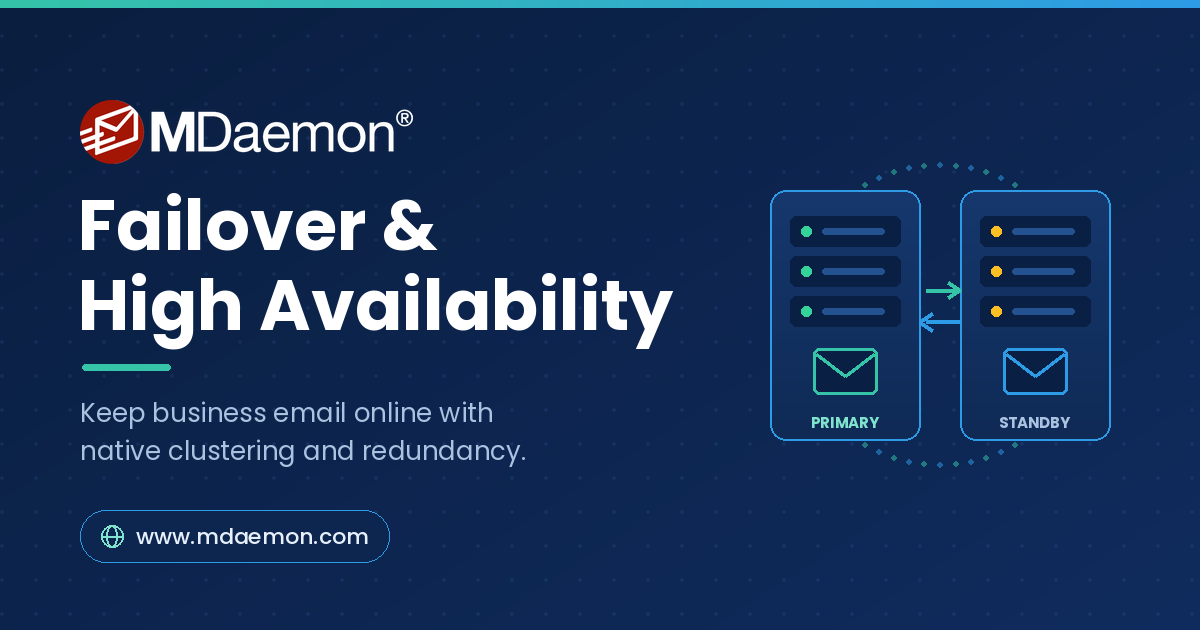
Email is still the backbone of business communication, which means an email outage is rarely a minor inconvenience. When your mail server goes offline, orders stall, customers wait, and internal work grinds to a halt. That’s why failover and high availability (HA) should be considered with any MDaemon deployment plan.
The good news: achieving high availability with MDaemon is far simpler today than it used to be. This guide walks through your options, explains how to choose the right one, and covers the planning and testing that separates a resilient setup from one that only looks redundant.
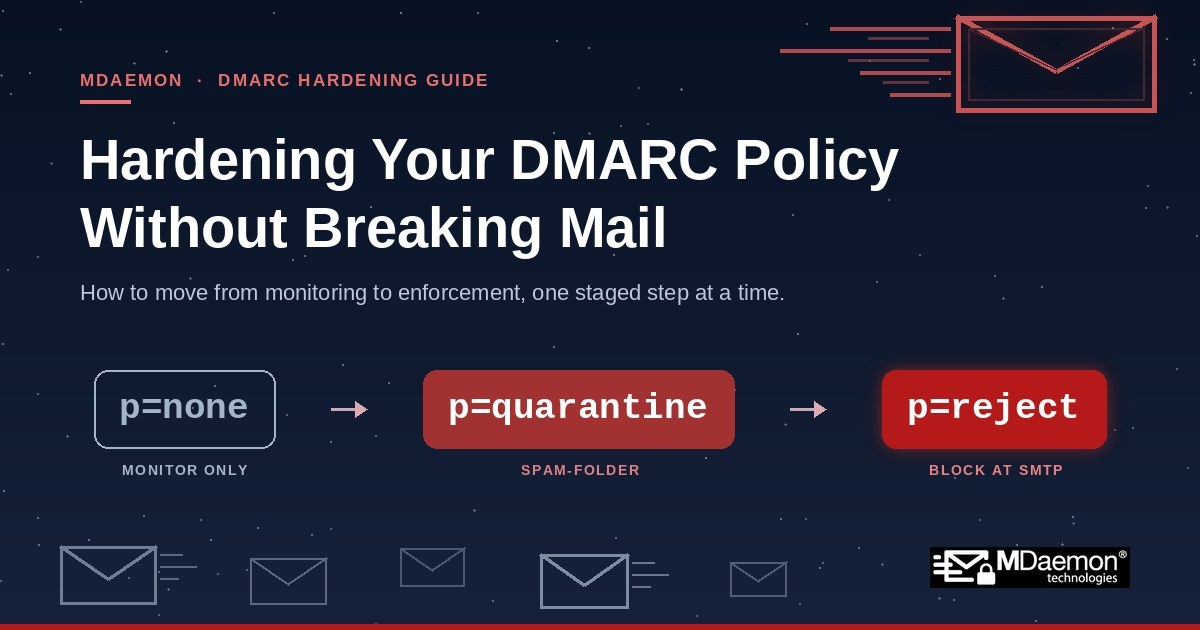
This is Part 2 of a two-part series on email authentication. Part 1: Why Messages That Fail SPF, DKIM, or DMARC Still Reach Inboxes — and How to Fix It in MDaemon.

Most people think of an email as one thing: a message with a “From” line at the top, a “To” line right under it, a subject, and a body. Type, click send, done. That mentality works fine when everything is going right.
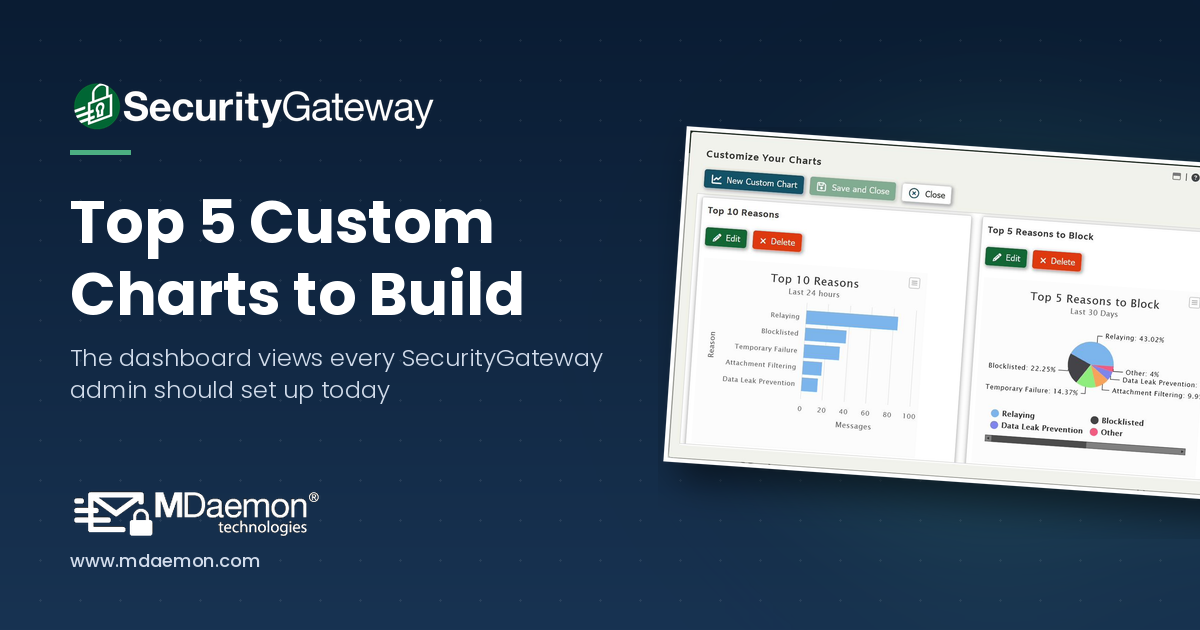
If you're an administrator using SecurityGateway for Email from MDaemon Technologies, you already know that the dashboard is your command center. It gives you an at-a-glance view of server health, message queues, spam activity, and more. But did you know you can go far beyond the default charts and build your own custom reports tailored to exactly what your organization needs to monitor?
Many of our customers are using both MDaemon and SecurityGateway™ together for their email security and messaging needs. Both products are loaded with anti-spam, anti-spoofing, encryption & other security features, and while some features are unique to MDaemon or SecurityGateway, many are found in both products, and therefore can be disabled in MDaemon as long as they are enabled in SecurityGateway.
Running an outdated version of MDaemon Email Server can expose your organization to security risks, compatibility issues, and missed productivity features. If your MDaemon installation predates version 21, or if you’re still using a 32-bit build, now is the time to plan an upgrade.
As an IT administrator, do you find it challenging to keep up with resources and overhead as your company grows? If you use MDaemon, managing the email accounts of a growing business doesn’t have to be a time-consuming burden – because MDaemon has a feature called Account Pruning that automates the removal of inactive accounts and old email messages after a designated period of time.